This panel contains a meter that shows the overall threat level for the monitored network based on data averaged over the past two months. Threats detected by the appliance are compared to Trellix's measurement of the threat level within a specified industry and geographical location. The overall threat level can be Low, Guarded, Elevated, High, or Severe.
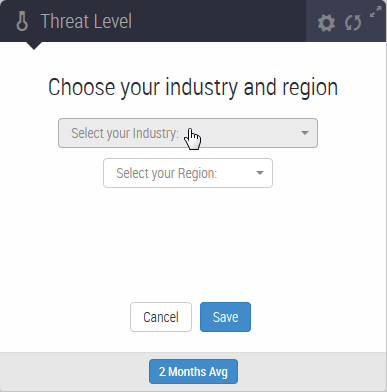
The example on the left shows how the Threat Level panel and the Malware Detection Trends panel appears when you open the Dashboard for the first time on a new appliance. Use the two menus in the panel to select your industry and geographical region. After you click Save, both panels display data.
In the example on the right, the overall threat Level is Severe. To refresh the meter, click 2 Month Avg.
Note
The panel does not display data if the appliance does not have connectivity with the Trellix Dynamic Threat Intelligence (DTI) cloud.
To reset the industry and geographical location selections, click the action icon.