Follow this procedure for updating device configuration for offline devices:
Task
-
Go to
Devices → <Admin Domain Name> → Global → Device Manager.
The Device Manager page is displayed.
-
Select the
Sensors tab. From the list, select required Sensor.
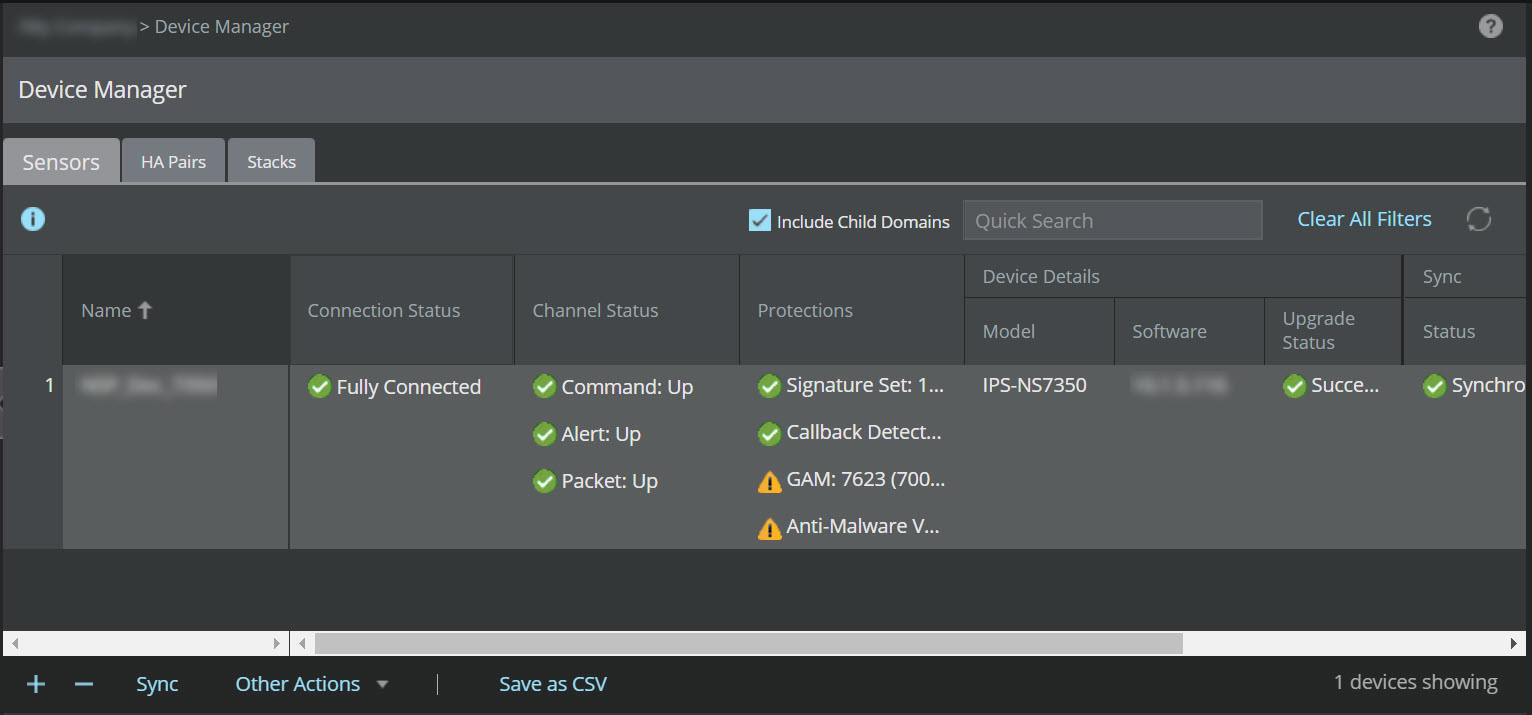
- Select Export Sync File from Other Actions drop-down.
- Save the device configuration file to the location of your choice.
- Copy the device configuration file to the TFTP server.
- Connect to the device through CLI and configure the TFTP server IP.
- Execute the loadconfiguration <device configuration filepath in the tftpserver><device configuration filename> command.
- Once the device configuration file is copied on to the device, check with downloadstatus command in the CLI to get the status.